
Choosing a dentist is a personal decision. People are picking someone who'll work inside their mouth, often while they're a little nervous about it, and they'll probably stay for years. So before they call, most of them look a practice up online and quietly work through a set of questions.
When your profiles answer those questions clearly, new patients book. When they don't, people keep scrolling until they find a practice that does. Here are the seven questions in roughly the order patients ask them, and how to answer each.
1. "Are they taking new patients?"
It sounds obvious, but many practice profiles never say. A patient who isn't sure may not bother calling. If you're accepting new patients, say so in the first line of your description: "Now welcoming new patients of all ages." Some platforms also have a specific attribute for it; turn it on.
2. "Do they take my insurance?"
For many people, this is the first real filter. List the plans you accept, or at least the major networks, in your description or on a page you link to. If you offer an in-house savings plan or payment options for patients without insurance, mention that too. Never list a plan you're not actually in network with.
3. "Can they see me soon, at a time that works?"
Evening and Saturday hours are a big draw for working adults and families. Keep your hours exact on every profile and update them for holidays. If you take same-day emergencies, say so plainly. That brings us to one of the most valuable searches in dentistry.
4. "Will they be gentle?"
Dental anxiety is common. Patients who feel it look for reassurance: words like "gentle," "anxious patients welcome" and "sedation options," photos of a calm, friendly team, and reviews that mention a dentist who explained everything. If you offer comfort measures such as sedation, headphones or extra time for nervous patients, list them.
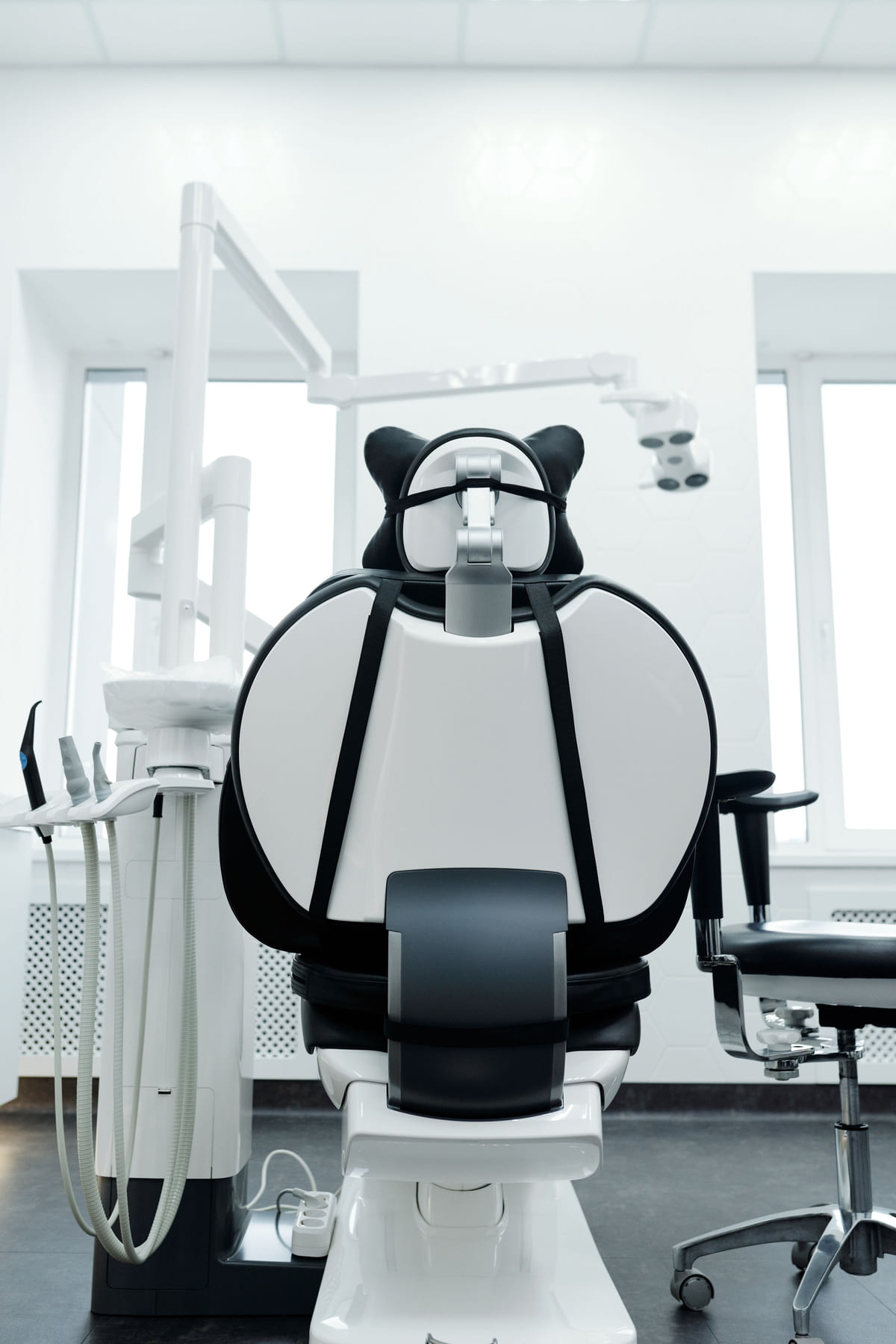
5. "Is it clean, modern and easy to find?"
Photos answer this before anything else. A good gallery includes:
- The reception area, bright and welcoming
- A treatment room, showing up-to-date equipment
- The dentists and team, with friendly faces
- The building and entrance, so patients recognize it when they arrive
- Parking or the nearest landmark, if it's tricky to find
Keep the photos current and professional, and add a few new ones every few months.
6. "What do other patients say?"
Reviews weigh heavily in healthcare decisions, and they also affect how high you appear in local results. The best time to ask is at checkout after a good visit.
Make it part of your front desk's routine and send the link the same day. Reply to reviews regularly, but with care: healthcare privacy rules apply, so don't confirm that a reviewer is a patient or mention any treatment details in a public reply. Keep responses general and warm, and invite anyone with a concern to call the office directly. These review habits and this guide to responding to negative reviews cover the basics.
7. "How do I book?"
Make the next step obvious. A phone number that taps to call, an online booking link if you have one, and a clear call to action at the end of your description: "Call or book online for your first visit." Every extra step loses a few people.
The searches worth naming
Beyond the general "dentist near me," patients search for specific needs. Name each service you offer, one by one, so you can match those searches:
- Family and children's dentistry
- Cleanings and checkups
- Emergency dental care
- Teeth whitening and cosmetic dentistry
- Implants, crowns and bridges
- Clear aligners or orthodontics
- Root canals and extractions
- Sedation dentistry
"Family dentist" is an especially common search, so if you see children and parents alike, say it clearly.
Set up the profiles that answer all seven
Start with your Google Business Profile. Choose "Dentist" as the main category, add specialties such as "Cosmetic dentist" or "Pediatric dentist" only if they truly apply, and fill every field: hours, services, website, booking link, photos and description. Our walkthrough of the Google profile, section by section has more detail.
Then build profiles on Listings Junkie, the general directories in our list of those worth claiming, and health directories where patients search for providers. Keep your practice name, address and phone identical everywhere; this guide explains why matching details matter. List qualifications, memberships and years in practice where the platform allows.
Your first month
Week one: the Google profile.
"Now accepting new patients," insurance, exact hours, every service and a fresh set of photos.
Week two: directories.
Add your practice to Listings Junkie and a few health and general directories, with identical details.
Week three: reviews.
Train the front desk to ask at checkout and text the link the same day.
Week four: cleanup.
Search your practice name and phone number, fix any old or mismatched profiles, and run through the listing checklist.
Practices that keep this up tend to see more first-time patients find them each month. Our guide to ranking in "near me" searches and this piece on growth from listings show how the effort adds up.
List your business for free
Create a verified listing on Listings Junkie and give the customers in your area one more place to find your business name, address, phone and website.