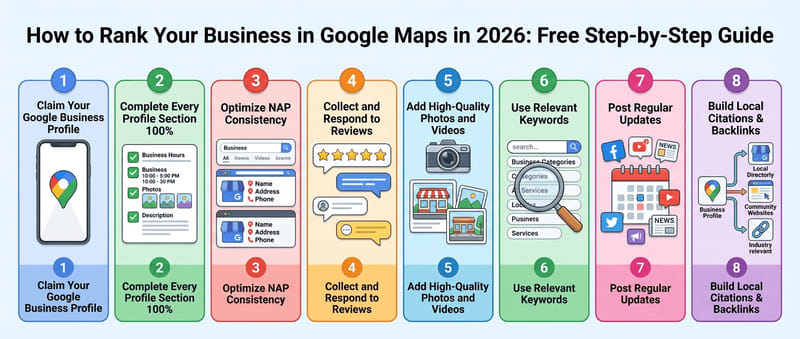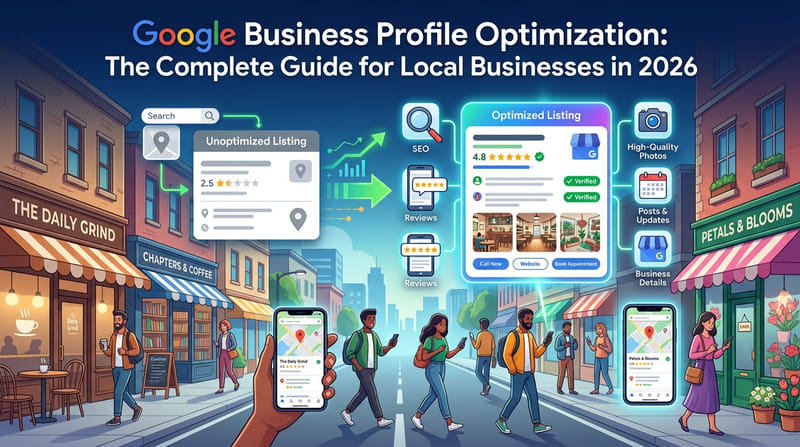
Every local business owner needs to claim their Google Business Profile — and most have no idea how simple the process actually is. Your Google Business Profile controls how your business appears in Google Search and Google Maps. It is completely free to set up and takes less than 5 minutes to claim. If you have not claimed yours yet, you are handing customers directly to your competitors every single day.
Businesses with a complete Google Business Profile receive up to 7 times more clicks than businesses without one. Claiming and optimizing your profile is the single highest-return action any local business owner can take right now.
Why You Must Claim Your Profile Before Anything Else
Google Business Profile is the foundation of every local SEO strategy. It directly determines whether your business appears in Google Maps, the Google Local Pack, and local search results — the three most valuable discovery channels for any local business. As explained in what local SEO is and how it works, your profile influences all three of Google's local ranking factors — relevance, distance, and prominence.
When a customer searches for your type of business nearby, Google pulls its information from Business Profiles first. Businesses with claimed and complete profiles consistently rank higher than those with unclaimed or incomplete listings. No other single action produces more immediate local search impact than claiming and completing this profile.
The 7-Step Guide to Claiming Your Google Business Profile
Step 1: Go to Google Business Profile (1 minute)
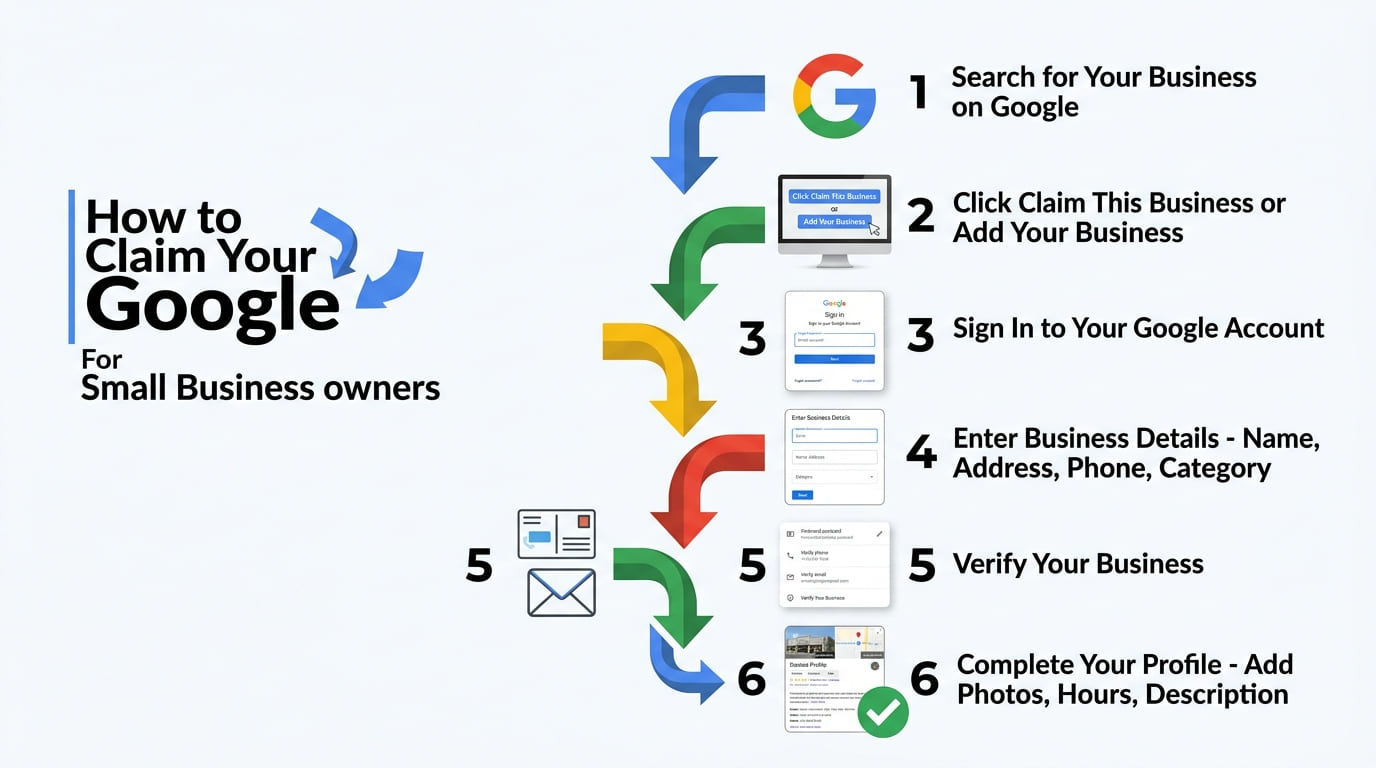
Open your browser and go to business.google.com. Make sure you are signed into the Google account you want to use for your business, then click "Manage now" to get started.
If you do not have a Google account, create one first at google.com. Use a professional email address that represents your business, and keep the login details safe — you will use this account to manage your profile permanently.
Step 2: Search for Your Business Name (1 minute)
Type your business name into the search field. Google checks its database for an existing profile. If someone has already created one for your business — which happens often — you will see it in the results.
If your business appears, click it and select "Claim this business." Google will walk you through verification to confirm you are the legitimate owner. If your business does not appear, click "Add your business to Google" and create a new profile from scratch.
Step 3: Enter Your Business Information (2 minutes)
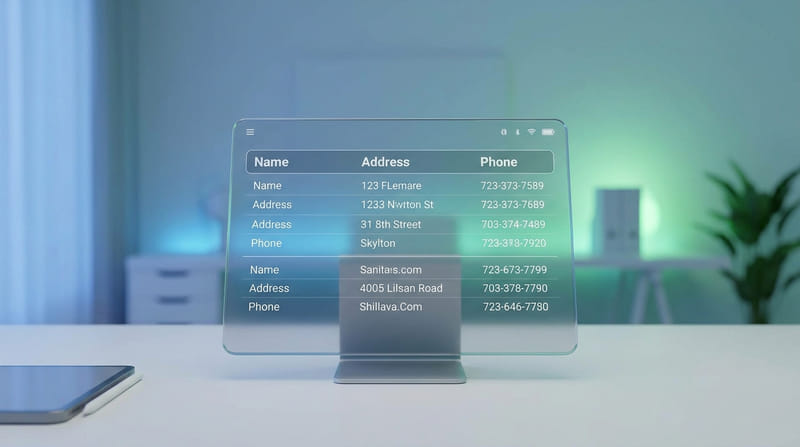
This is where most business owners make critical mistakes. The information you enter must match every other platform where your business appears online — directories, your website and social media. As covered in why NAP consistency matters for local rankings, inconsistent information directly damages your Google rankings.
- Business name: the exact same capitalization as everywhere else online
- Complete address: include your suite number and the correct ZIP code
- Primary phone number: the same one used on every other platform
- Website URL: your homepage or most relevant page
- Business category: the most specific option that fits your primary service
Step 4: Verify Your Business (minutes to 14 days)
Google requires verification to confirm you own or manage the business, which protects businesses from having their listings hijacked. Complete verification as quickly as possible after claiming your profile. Google chooses which methods to offer you:
- Video: Record a short video showing your location or equipment and proof that you manage the business. Google now asks for this often.
- Phone, text or email: Google sends a code to your business phone or email. Available for some businesses only.
- Postcard: Google mails a code to your address. It can take up to 14 days to arrive.
- Instant: Available if you have already verified your website in Google Search Console.
Step 5: Complete Every Field of Your Profile (15 to 20 minutes)
Claiming your profile is only the beginning. A half-completed profile performs almost as poorly as no profile at all, so spend 15 to 20 minutes completing every field right after verification.
- Business description: 150 to 200 words covering your services, city and customer types
- Operating hours: every day of the week, including holidays
- Service area: if you serve customers at their location
- Services or products: list each one with a description and price where possible
- Photos: at least 10, including storefront, interior, products and team
- Secondary categories: add every relevant option to widen your search coverage
As shown in the ultimate business listing checklist, businesses that complete every field consistently outrank those with incomplete profiles — regardless of how long they have been operating.
Step 6: Start Collecting Reviews Immediately (ongoing)
Once your profile is live and verified, start collecting reviews right away. Reviews are one of the most powerful signals Google uses to rank local businesses — a business with 20 genuine positive reviews consistently outranks one with none, even when everything else is equal.
Ask every satisfied customer for a review and send them a direct link to your Google review page. Keep the request simple and genuine, and respond to every review that comes in — positive and negative. As covered in how to get 5-star reviews that bring more customers, active review management directly boosts your ranking over time. For negative feedback, follow the advice in how to respond to negative reviews professionally.
Step 7: Pair Your Profile With Directory Listings (1 hour)
Your Google Business Profile becomes much more powerful when it is backed by listings on other business directories. Each directory listing creates a citation that strengthens your Google ranking signals.
Start by creating your free listing on Listings Junkie — a dedicated USA business directory for businesses in every industry. Then work through the 10 best business listing sites in 2026 and get listed on every relevant platform. Businesses that combine a complete Google Business Profile with listings across multiple directories consistently outrank competitors who rely on Google alone.
Claim Your Google Business Profile Today
Every day your Google Business Profile stays unclaimed is another day your competitors capture the customers searching for your business online. The process takes less than 5 minutes and costs absolutely nothing — making it the most valuable free action any local business owner can take right now.
Go to business.google.com right now. Claim your profile. Complete every field. Start collecting reviews. Combine your profile with a free listing on Listings Junkie to maximize your local search visibility from day one. Within weeks, your business will start appearing in front of local customers actively searching for exactly what you offer — without spending a dollar on advertising.
List your business for free
Create a verified listing on Listings Junkie and give the customers in your area one more place to find your business name, address, phone and website.