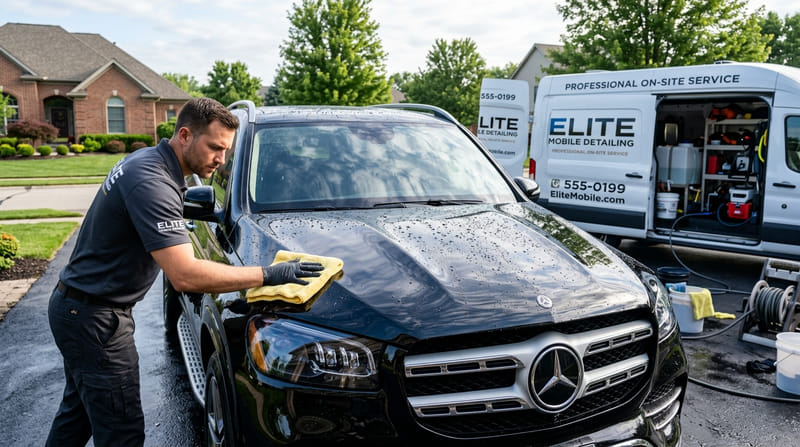
If you travel to your clients — mobile detailing, electrical repair, plumbing, landscaping or independent consulting — search engines treat you as a service-area business (SAB). And you can list a service-area business without ever revealing your home address.
The common belief that you must show a street address to win local customers is simply false. In fact, displaying your home address on a service business's Google profile goes against Google Business Profile guidelines and can lead to a suspension. You can build full local search visibility while keeping your home location private.
Step 1: Set Up Your Google Profile Without Showing Your Home Address
Google has a dedicated setup for businesses that serve customers at their location rather than at a storefront. Follow these steps to verify your business while keeping your home address hidden:
Enter your address for verification only
When you register on Google Business Profile, enter your real home address. Google needs a genuine location to verify you (by phone, video or postcard). Do not use a P.O. Box or a mailbox store address — Google does not accept them and can suspend profiles that use them.
Turn off the public street address
In your profile, go to Edit profile → Location and turn off "Show business address to customers." Your street address disappears from Google Search and Maps, leaving your business name, reviews and service areas visible.
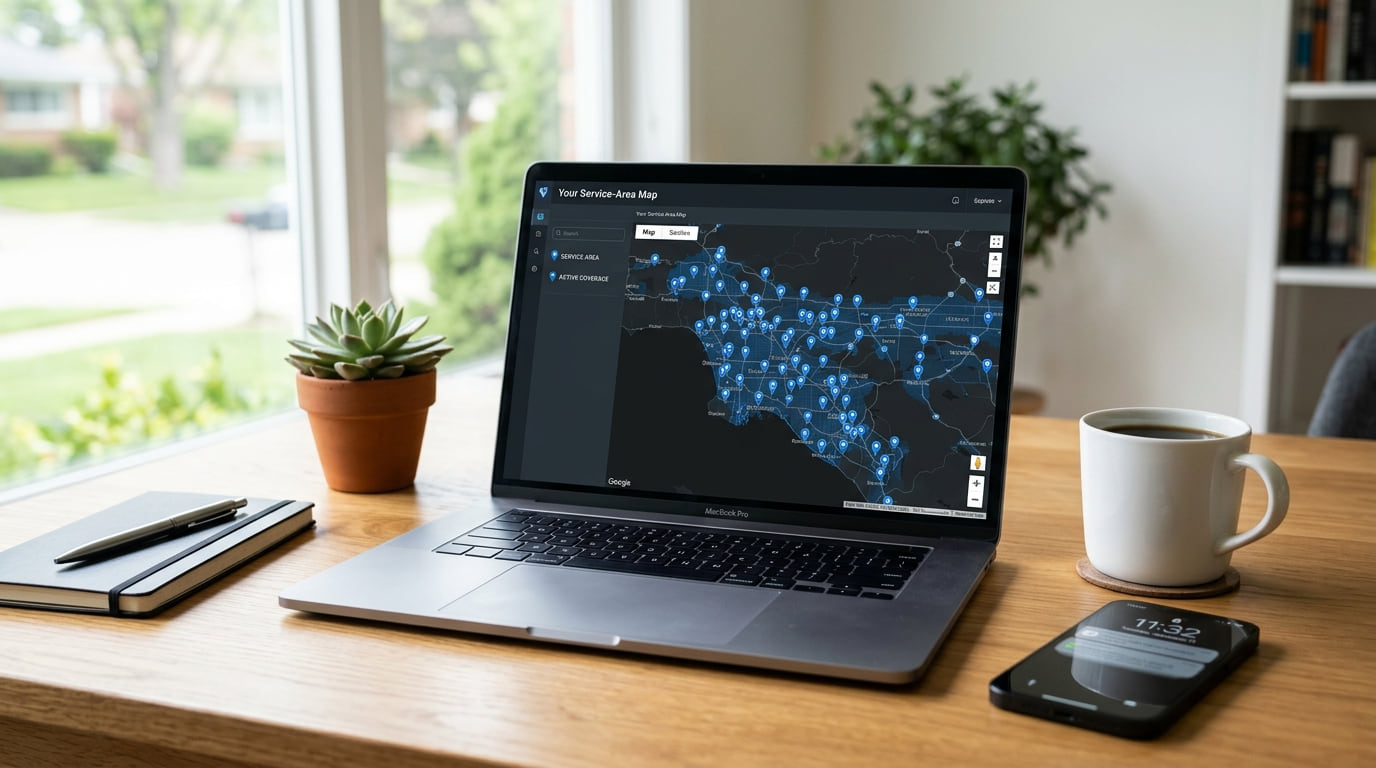
Define realistic service areas
List up to 20 cities, ZIP codes or counties you actually serve. Avoid selecting whole states — Google gives less weight to unrealistic driving ranges. List the neighboring towns you visit in a normal work week instead.
Step 2: Keep Your Citations Consistent Without an Address
The biggest technical challenge for home-based companies is keeping citations consistent across directories. Search engines compare your business name, address and phone number (NAP) everywhere to confirm you are legitimate, and mismatched information dilutes your rankings.
Review our guide on why NAP consistency matters for local rankings to see how search engines read directory records. When you create directory profiles, choose platforms that let service-area businesses leave the street address off.
Top Directory Options for Home-Based Businesses
- Listings Junkie: Built for it. Leave the street address blank and your listing shows only your city and state, under the category that fits your trade.
- Yelp for Business: Lets home-based contractors hide their street address and list the areas they serve.
- Angi and Houzz: Contractor platforms that route inquiries by the homeowner's ZIP code rather than a fixed storefront.
- Apple Business Connect: Supports service-area setups for mobile businesses, so you can be found in Apple Maps and through Siri.
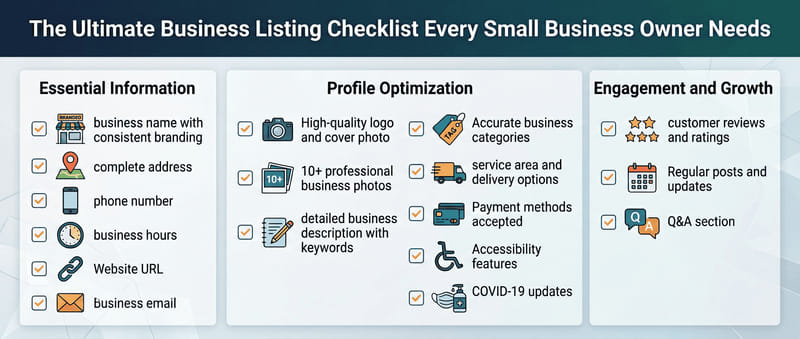
To check your current listings, run through our business listing checklist and confirm every profile uses the same name and category.
Step 3: What to Avoid When Hiding Your Address
Many business owners try shortcuts to get a "real" address, and those shortcuts are what most often get profiles suspended. Avoid these traps:
- Unstaffed virtual offices: Registering at a co-working address or mail center without a staffed, permanent desk goes against Google's guidelines and regularly gets listings removed.
- P.O. Boxes: Mailboxes cannot be used for local verification on Google or on serious business directories.
- Fake suite numbers: Adding a made-up "Suite B" to a home address does not turn a house into a commercial building. Google cross-checks addresses and uses Street View to verify the type of site. For federal small business guidance, consult the U.S. Small Business Administration (SBA.gov).
Quick Action Checklist: Set Up Your SAB Profile
- Verify your Google Business Profile with your real home address, kept private.
- Turn off public street address visibility in your Google profile.
- Add up to 20 towns, cities or ZIP codes as your service areas.
- Add your business to Listings Junkie under your trade category, with the street address left blank.
- Check that your phone number and business name are formatted the same way on every profile.
Frequently Asked Questions
Will hiding my address on Google Business Profile hurt my local ranking?
No. Google evaluates service-area businesses on relevance, reviews and consistent citations across trusted platforms, not on a public street pin.
Can I use a UPS Store box or P.O. Box as my business address?
No. P.O. Boxes and mailbox rentals go against Google's guidelines and can get a profile suspended. Use your real location for verification and hide it from the public.
How do directories handle service-area businesses without storefronts?
Many directories let you leave the street address off. On Listings Junkie, you simply leave the address field blank: your listing shows your city and state, and customers contact you by phone, email or your website while your home address stays private.
Running a mobile service business does not mean giving up your privacy or your online visibility. Set up your service areas correctly and list on trusted directories, and the calls come to you while your home stays private.
List your business for free
Create a verified listing on Listings Junkie and give the customers in your area one more place to find your business name, address, phone and website.