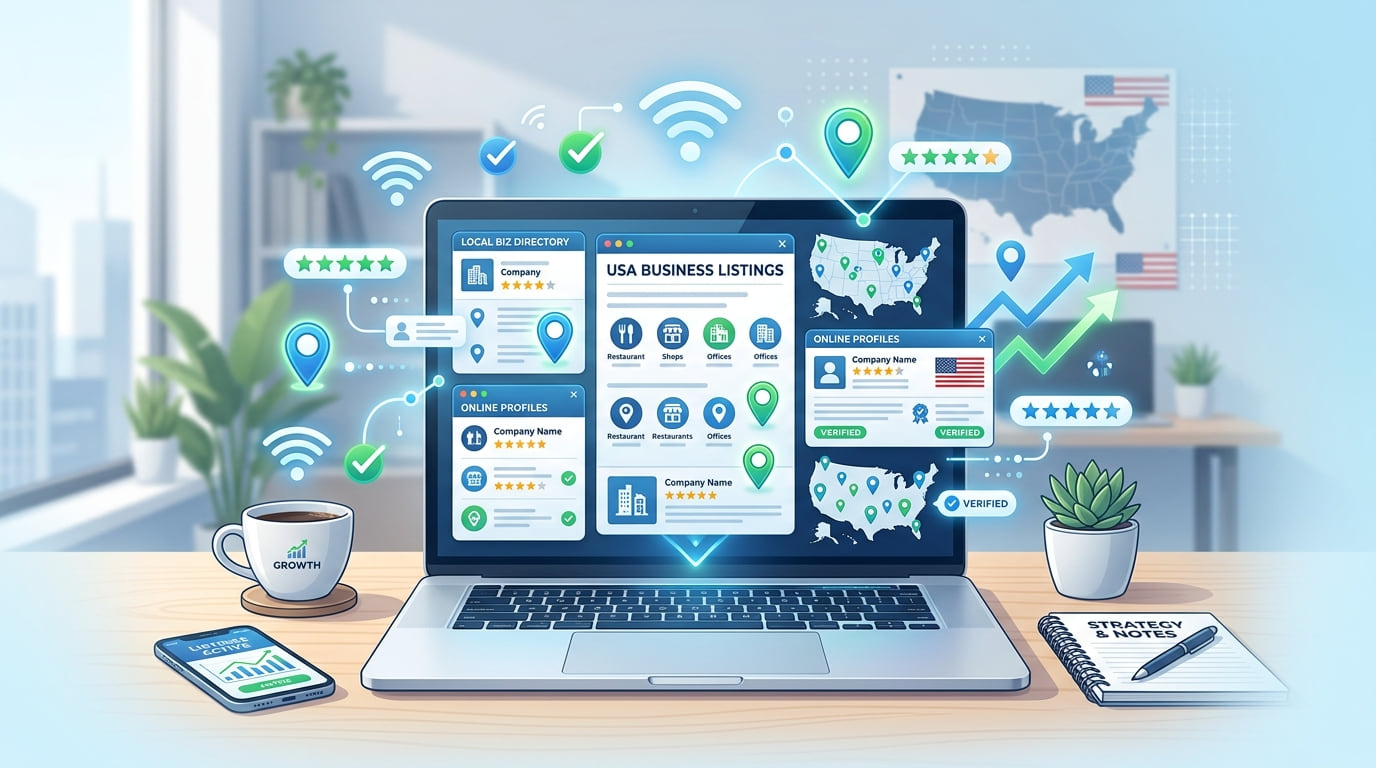
If you own a small business in the United States, one of the smartest things you can do right now is list it online for free. Whether you run a restaurant, a salon, a plumbing service, or a law firm, online business listings help local customers find you when they search Google, Yelp, or other directories. The best part is that you do not need to spend any money to get started. There are dozens of free platforms where you can add your business and start attracting customers within days of going live.
What You Need Before You Start
Before creating any listings, gather the following information and keep it consistent across every platform you use. Consistency in your Name, Address, and Phone number is one of the most important factors in local SEO. As explained in why NAP consistency matters for local rankings, even small discrepancies between platforms can hurt your visibility significantly.
- Business name: your exact legal business name, every time
- Business address: your physical location or service area
- Phone number: a local number is better than toll-free
- Website URL: your official business website
- Business category: the most accurate category available
- Business description: 150 to 300 words covering what you offer
- Business hours: including holidays and special hours
- Photos: at least 5 high-quality images of your business
Step-by-Step: How to Add Your Business Online for Free
1. Google Business Profile (business.google.com)
Google Business Profile is the single most important free listing for any USA business. When someone searches for your business or a service you offer, your profile shows up in Google Maps and the Local Pack — the top 3 results. It is completely free and takes under 30 minutes to set up properly.
Go to business.google.com and sign in with your Google account.
Enter your business name and select the most accurate category.
Add your address and phone number exactly as they appear on your other listings.
Verify your business — Google will offer video, phone, email or postcard verification.
Complete your profile with photos, business hours and a clear, keyword-rich description.
2. Listings Junkie
Listings Junkie is a free USA business directory covering restaurants, health services, home services, retail, professional services and more. Getting listed builds a verified citation that strengthens your local SEO and puts your business in front of customers searching the directory every day.
Go to Listings Junkie and click "List your business."
Create your free account, then choose the category that fits your business.
Fill in your business details — name, address, phone, email, website and description — and add your logo.
Confirm your business email address with the link we send you.
Your listing is reviewed and usually goes live within minutes of that confirmation.
3. Yelp for Business (biz.yelp.com)
Yelp is one of the most trusted review platforms in the USA, especially for restaurants, salons and local service businesses. Customers often check Yelp before choosing a local business, and a strong Yelp presence with positive reviews drives high-intent leads.
Go to biz.yelp.com.
Search for your business to see if it already exists.
If it is not there, click "Add your business" and fill in all your information.
Verify your listing by phone or email.
4. Bing Places for Business (bingplaces.com)
Bing handles millions of searches every day, particularly from desktop users. You can import your entire Google Business Profile in minutes, which makes this one of the fastest listings to add once your Google profile is complete.
Go to bingplaces.com and sign in with a Microsoft account.
Import your Google Business Profile or enter your details manually.
Verify your listing to make it live.
5. Facebook Business Page (facebook.com/business)
Facebook has over 200 million small businesses on its platform. A Facebook business page works as both a social media presence and a local business listing, combining directory details with reviews, recommendations and community posts.
Go to facebook.com/business and click "Create a Page."
Choose "Local business or place" as your page type.
Fill in all your business details — name, category, address, phone and hours.
Add a profile photo, a cover image and at least 5 more photos.
6. Apple Business Connect (mapsconnect.apple.com)
Apple Maps is used by millions of iPhone users every day and is the default navigation tool on Apple devices. Many business owners overlook it entirely, which means less competition for your listing.
Go to mapsconnect.apple.com and sign in with your Apple ID.
Add your business details — name, category, address, phone and hours.
Verify your business to make your listing live.
7. Foursquare (business.foursquare.com)
Foursquare powers location data for many apps and platforms. Listing there lets your business information spread to the services that use its data — one of the highest-leverage single listings available.
Go to business.foursquare.com.
Claim or add your business listing.
Fill in complete details and finish verification.
Tips for Creating a Strong Business Listing
Creating a listing is just the first step. To truly stand out and convert browsers into customers, follow these best practices across every platform you use.
- Use your exact business name: Do not add extra keywords to your business name. If your business is called "Smith Plumbing," list it as exactly that — adding "Best Plumber NYC" looks spammy and can get your listing penalized.
- Write a compelling description: Your description should clearly explain what you do, who you serve, and what makes you different. Include your main keyword naturally but do not overstuff it into every sentence.
- Add high-quality photos: Listings with photos receive significantly more clicks than those without. Add images of your storefront, team, products, and completed work samples. Update them regularly.
- Respond to every review: When customers leave reviews — positive or negative — respond professionally and promptly. As shown in how to respond to negative reviews professionally, thoughtful responses build more trust than silence consistently.
- Keep your information updated: If your hours change, you move locations, or update your phone number, update all your listings immediately. Outdated information directly costs you customers and hurts your rankings.
How Many Directories Should You List On?
For a new business, start with the 10 to 15 top directories and then expand from there. Quality matters more than quantity. A complete, verified listing on 15 major platforms is significantly more valuable than an incomplete listing on 100 low-quality directories. As explained in the local SEO guide for small businesses, the authority of the directory matters as much as the number of listings you create.
- Google Business Profile
- Listings Junkie
- Yelp
- Bing Places
- Apple Business Connect
- Foursquare
- Yellow Pages
- Better Business Bureau
- Angi (home services)
- Houzz (home improvement)
- TripAdvisor (restaurants)
- Healthgrades (medical)
- Avvo (lawyers)
Common Mistakes to Avoid
- Inconsistent NAP information: Even "St." versus "Street" can confuse directories and dilute your citation value.
- Not verifying your listing: An unverified listing has limited visibility. Always complete the full verification process.
- Skipping the description: A blank description is a missed opportunity. Good descriptions help both customers and search engines understand what you offer.
- Using a P.O. Box as your address: Most directories require a physical address. Service-area businesses can list their service area instead.
- Ignoring listings after setup: Business listings need regular attention. Update photos, respond to reviews, and keep your hours accurate and current.
Start Getting Found by Local Customers Today
Listing your business online for free in the USA is one of the highest-return activities you can do as a small business owner. It costs nothing but a little time, and the long-term benefits — more visibility, more customers, and better local SEO rankings — are substantial and compounding. As demonstrated in how listing your business drives real growth, businesses that build a consistent listing presence consistently outperform those relying on word of mouth alone.
Start with Google Business Profile today, then work your way through the other platforms in this guide. Add your business to Listings Junkie as your dedicated USA directory listing and follow the complete business listing checklist to make sure every element is properly in place. The sooner you start, the sooner local customers will find you.
List your business for free
Create a verified listing on Listings Junkie and give the customers in your area one more place to find your business name, address, phone and website.