You don't need a film crew, a script or a big personality to make video work for your business. Short videos for local businesses do best when they're simple: a real person, a real place and something useful or satisfying to watch, all in under a minute. A phone and fifteen spare minutes are enough.
Summer is a good time to start. Days are long, the light is good, and a lot of businesses have a little more breathing room than in the fall rush. Here are twelve clips any local business can film, plus a few tips that make phone video look better and where to post it once it's done.
Why short videos work for local businesses
A photo shows what you do. A short video shows what it's like to do business with you: the voice on the other end of the phone, the way the shop looks when you walk in, how carefully the work gets done. That's the stuff people wonder about before they call a stranger.
It builds the kind of trust we talked about in how small businesses build trust online. And because plenty of local businesses still don't post video, even a handful of clips can make you stand out from the others in your area.
What you need to get started
Less than you think:
- A phone. Any recent phone shoots more than good enough video.
- Light. Face a window or shoot outside in open shade. Avoid standing with a bright window behind you.
- Something to steady the phone. A cheap tripod or a stack of books on the counter.
- Quiet, if you're talking. Turn off the radio and step away from the compressor.
Shoot vertically, since most people watch on their phones held upright. Keep most clips between 15 and 60 seconds.
Twelve short videos for local businesses you can film this week
1. The walk-in
Film the walk from your parking lot or front door to the counter. It shows people where to park, which door to use and what to expect inside. Simple, and surprisingly useful for first-time customers.
2. Meet the owner
Twenty to thirty seconds on who you are and why you started. Look at the camera like you're talking to a customer. Family businesses with a story have a head start here. Acapulco Mexican Restaurant in Newton, Kansas, listed on Listings Junkie, tells its founding story right in its description, starting with a young man leaving Jalisco in 1971 with a dream of opening a family restaurant. A story like that is a natural fit for a short video.
3. Hands at work
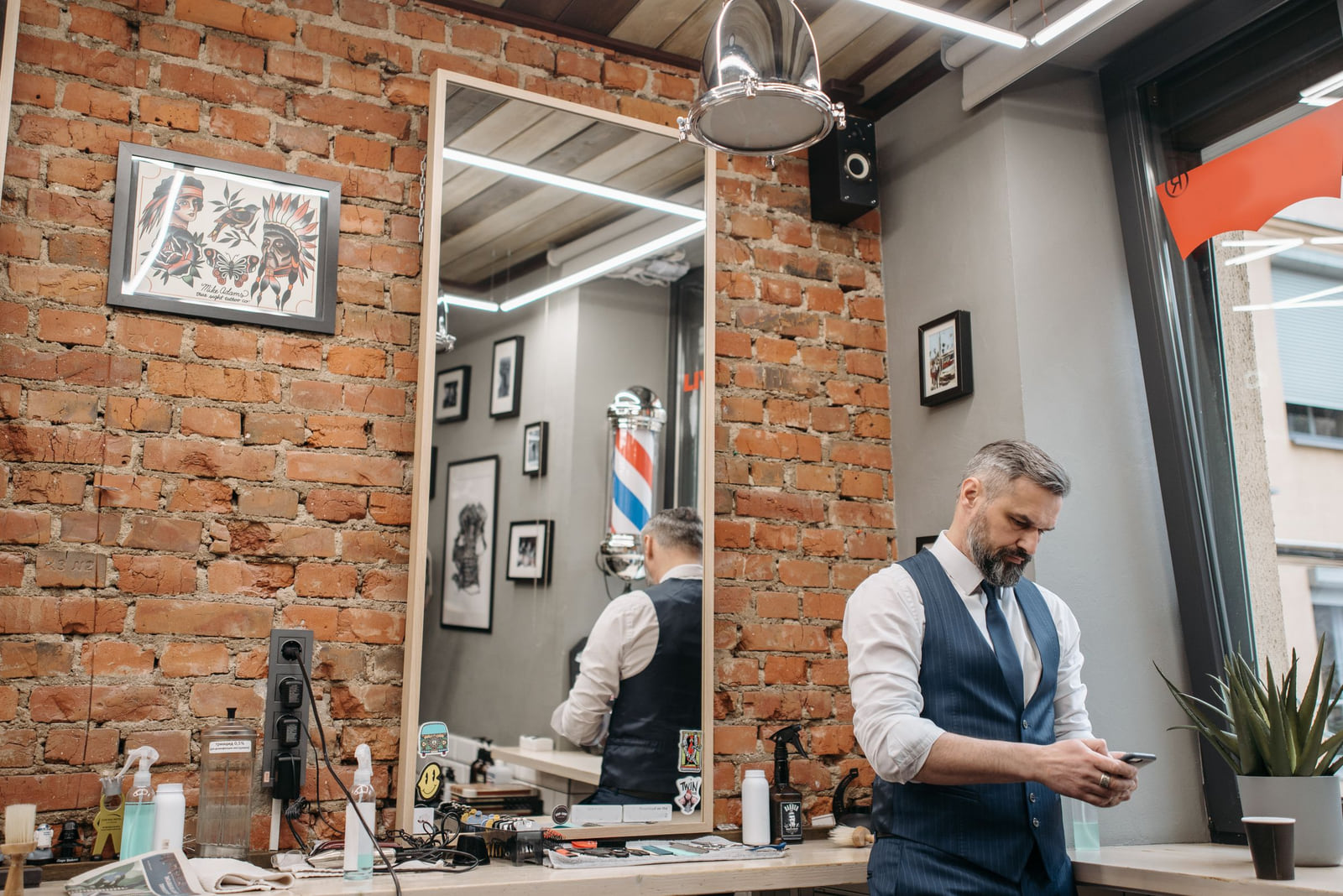
Close-ups of the work itself: dough being shaped, a pipe being fitted, color being mixed, a fade being blended. This is the most satisfying kind of clip to watch, and it shows skill without bragging. A barbershop like Elam Barber Shop in Pontiac, Michigan, which lists fades, taper cuts and razor lining, has a ready-made series in every chair.
4. The reveal
The before-and-after, in motion. Start on the "before," then pan or cut to the finished job. If you're already shooting before-and-after photos, film a quick video at the same time. Our guide to before-and-after photos for service businesses covers how to keep the angles matched and the results honest.
5. Answer one common question
Pick a question customers ask every week and answer it in thirty seconds. "How often should I service my AC?" "Do you take walk-ins?" "How long does a full detail take?" One question per video.
6. Behind the scenes on a busy day
A few seconds of the kitchen at noon, the shop on a Saturday morning or the crew loading up at dawn. It shows you're busy, which reassures new customers.
7. A day on the road
For service businesses, a quick clip from each stop (with customer permission and no house numbers) shows the range of work you do and the area you cover.

8. What's new
A new menu item, a new product on the shelf, a new piece of equipment. Show it, say one sentence about why it's good, done.
9. The customer's reaction
The moment a customer sees the finished hair, the clean car or the new floor. Always ask first, and only post if they're happy to be on camera.
10. One useful tip
Give away a small piece of expertise: how to keep a drain clear, how to store fresh flowers, how to make a blowout last. People save and share tips, and they remember who taught them.
11. The seasonal update
Summer hours, a holiday closure, a seasonal special. Fourth of July week and back-to-school season are good times to post one. Say the dates out loud and put them in the caption.
12. Meet the team
Introduce one employee per video: their name, what they do and one fun fact. Customers like knowing who's coming to their house or who'll be cutting their hair.
Filming tips that make phone video look better
- Wipe the lens. Phones live in pockets. Smudges make everything look foggy.
- Hold still, or move slowly. Shaky, fast camera moves are hard to watch. Prop the phone up when you can.
- Get close. Phone microphones pick up sound best from a few feet away. Close-ups also look better on a small screen.
- Use captions. Lots of people watch with the sound off. Most apps can add captions automatically; check them for mistakes before posting.
- Start strong. Open on the most interesting moment, not a slow lead-in. Viewers decide quickly whether to keep watching.
- Don't over-edit. Simple cuts and real sound feel more honest than effects and music.
Where to post your videos
One clip can go a long way:
- Short-video sections of social apps. Instagram, Facebook and YouTube all have them, and they're where most people scroll through quick clips.
- Your Google Business Profile. You can add videos alongside your photos, so people looking at your profile see your business in motion.
- Your website. A short welcome video on your home page or a how-it-works clip on a service page.
- Texts and emails to customers. A quick "here's what to expect on your appointment" video can cut down on first-visit nerves.
Make sure the name, address and phone number in your video captions match what's on your listings. Consistent details help people find you and help you show up in near me searches.
How often should you post?
One or two short videos a week is plenty for most local businesses. That's sustainable even in a busy season. If you film three or four clips on a slow afternoon, you've got a month's worth ready to go.
Keep the ones that work. If a "hands at work" clip gets more views and comments than a "what's new" clip, make more of those.
Frequently asked questions
Do I need to be on camera?
No. Plenty of great business videos show only hands, tools or the finished work. If you're comfortable on camera, it helps people connect with you, but it's not required.
How long should a business video be?
For most short clips, 15 to 60 seconds. If you're explaining something more detailed, a longer video on your website or a video-sharing site is fine.
Do I need to add music?
No. Real sound often works better. If you add music, use the free music options built into the app you're posting on, since other music may be copyrighted.
What if nobody watches?
Give it a couple of months. Local video builds slowly. Even if a clip only gets a few views, if those viewers live nearby, they're exactly the right audience.
Want more people to find you before they ever watch a video? List your business free on Listings Junkie, no credit card needed. Listings are confirmed by email, checked before they go live, and sorted by category and state so locals can find you, whether you run one of the area's restaurants, salons or home services businesses.
List your business for free
Create a verified listing on Listings Junkie and give the customers in your area one more place to find your business name, address, phone and website.