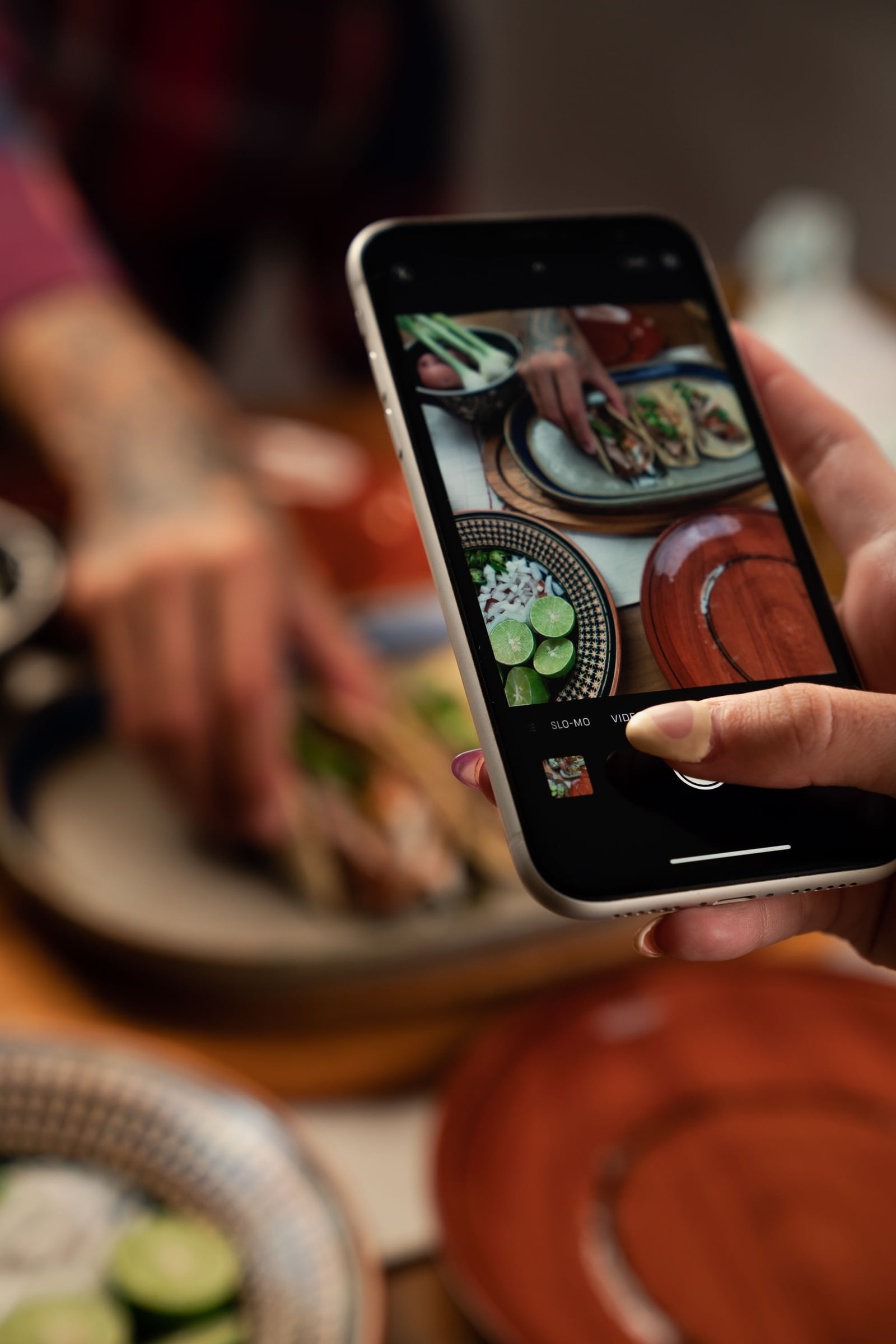
You can have the best green chile in town, but if a hungry person can't find you on their phone, they'll eat somewhere else tonight. Picking a restaurant has become a phone decision: search what's nearby, scan photos, glance at the menu and the rating, check the hours, go.
Many independent restaurants lose diners not because of the food but because what's online doesn't show the food. No menu, an outdated menu, old hours or a gallery of dim photos. The fix doesn't cost much beyond time, and it starts with treating your online profiles as part of the dining room.
What a hungry person checks, in order
- 1Searches nearby
- 2Scans the photos
- 3Looks at the menu and prices
- 4Checks the rating
- 5Confirms you're open
- 6Heads over or orders
If any of those steps comes up empty, they move on. They won't call to ask.
Put the real menu online
The menu is the most overlooked part of most restaurant profiles. It's also one of the most useful.
- Post your current menu on your Google profile and website, and link it from every directory that allows a menu link.
- Use dish names people search for. "Birria tacos," "pho," "Nashville hot chicken sandwich," "gluten-free pizza." Naming dishes in your description and menu helps you show up for those searches.
- Mark dietary options: vegetarian, vegan, gluten-free, halal or kosher, if they apply.
- Include prices, or at least a price range. Diners want to know what they're getting into before they sit down.
- Update it when it changes. An online menu with last year's dishes and prices creates disappointed customers and annoyed reviews.
Show the food the way it really looks
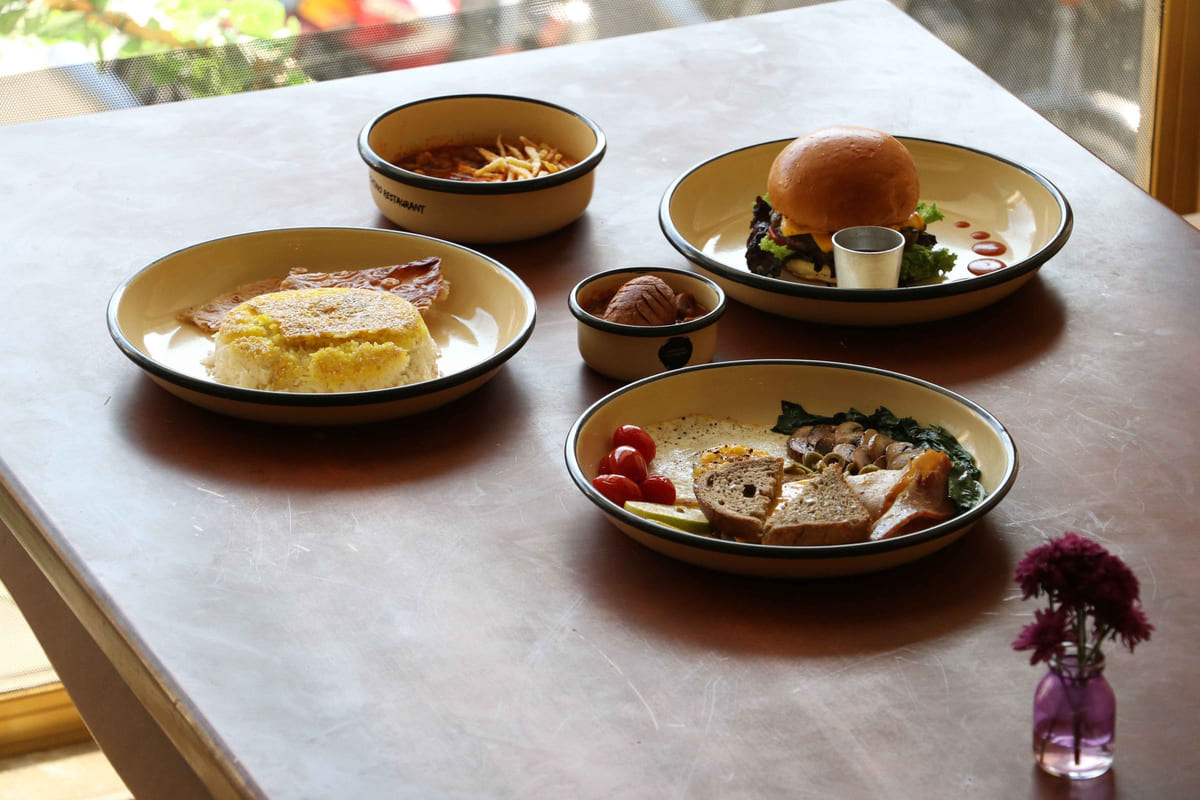
Diners choose with their eyes. A strong photo set includes:
- Your signature dishes, shot from above or at a slight angle in natural light
- The dining room, so people know whether it's a date spot or a family place
- The bar or counter, if you have one
- The patio, if you have outdoor seating
- The storefront, so people can find the door
Real photos beat stock photos every time. Add new ones when the menu changes or a seasonal special appears. Encourage diners to post their own; many will if you ask nicely.
Get the hours exactly right
"Open now" and "closes soon" are some of the first words a diner sees. Wrong hours lead to locked doors and one-star reviews.
- Set hours for every day, including split hours if you close between lunch and dinner
- Add special hours for holidays well ahead of time
- Note separate hours for the kitchen, bar, brunch or happy hour where the platform allows
- Update immediately for private events or unexpected closures
Make the next step easy
Once a diner decides, remove every obstacle:
- A phone number that taps to call
- A reservation link if you take reservations
- Ordering links for takeout or delivery, if you offer them
- Parking and accessibility notes
- Attributes like outdoor seating, kid-friendly, good for groups or live music
Reviews: the deciding vote
When two places look equally good, the one with more recent, positive reviews usually wins. Many owners never ask. A friendly line from the server at the end of a good meal, or a QR code on the check presenter, can change that.
Reply to every review. A gracious response to a complaint, like "we're sorry the wait was long on Saturday, and we've added a second host on weekends," tells future diners you're paying attention. These review habits and this guide to negative reviews can help.
Be listed everywhere diners look
Diners don't only search Google. They check directories, review sites and maps on their phones. Each consistent profile is another chance to be found, and it also helps search engines feel confident about your details.
Google Business Profile first.
Choose the most specific category, such as "Vietnamese restaurant" rather than "Restaurant," and fill every field.
A U.S. directory where diners browse local spots.
Yelp.
Heavily used for dining decisions; claim your page.
Tripadvisor, Facebook, Apple Business Connect and Bing Places.
Especially useful if you see visitors from out of town.
Our list of directories worth claiming has more, and our explainer on business directories covers how they connect diners with restaurants. Keep your name, address and phone identical on every one; here's why.
Questions restaurant owners ask
Our menu changes every week. Is it still worth posting?
Yes. Post the core dishes that stay put and add a line like "seasonal specials change weekly; see our latest post." Then share the week's specials as a short update with a photo.
Should we list prices if they change often?
A price range on your profile plus current prices on your own website is a good balance. Update the website when prices change, and check that any menu you've uploaded elsewhere isn't badly out of date.
What about third-party delivery listings?
If you use delivery apps, make sure their pages use your exact restaurant name, address and phone, and that the hours match. Those pages show up in searches too.
Customers keep posting blurry photos. Can we fix that?
You can't remove them, but you can outshine them. Add your own well-lit photos regularly; they'll usually be what people notice first.
Is it worth replying to every review when we get a lot?
Even short, personal replies help. If time is tight, prioritize the negative and mixed reviews, then work through the positive ones each week.
Why it compounds
Every review, photo and accurate listing adds to the reasons search engines have to show you and diners have to choose you. Restaurants that keep at it tend to see more first-time diners, and first-timers who enjoy their meal become regulars. This look at what directory profiles do for you, local SEO for small businesses and this piece on growth from listings show how.
This week
Upload your current menu
with dish names, dietary tags and prices.
Shoot ten photos
of signature dishes, the room and the storefront.
Fix your hours
on every platform, including the next holiday.
Add reservation and ordering links.
Put a review QR code
on check presenters or receipts.
Create or fix your directory profiles,
starting with Listings Junkie, and run through the listing checklist.
List your business for free
Create a verified listing on Listings Junkie and give the customers in your area one more place to find your business name, address, phone and website.