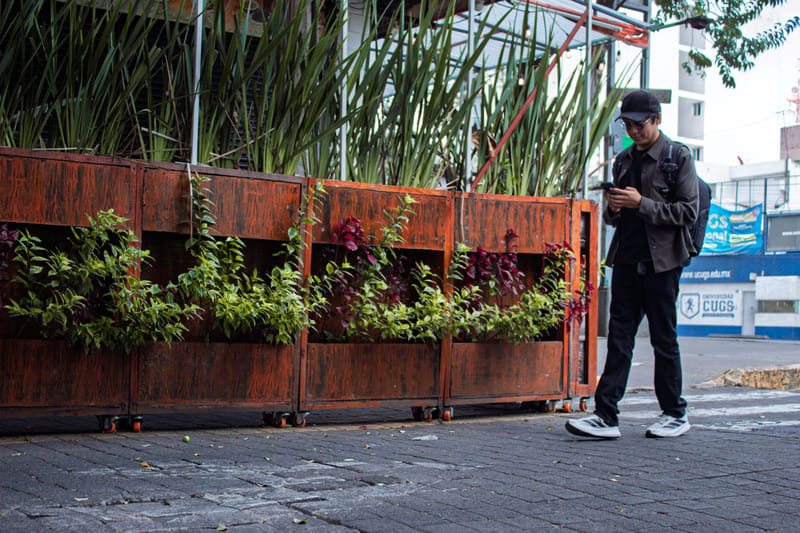
You already know how to dress a front window. You pick the pieces that say who you are, style them so a passerby stops, and change them when the season turns. The trouble is that fewer shoppers are strolling past your window to decide. They're deciding from the couch, on a phone, before they ever leave the house.
Your online profiles are now the window most people see first. Merchandise them with the same care, and the shoppers who like your style will find you.
How a shopper picks a store from home
The decision usually goes like this:
- 1Wants something new
- 2Searches nearby
- 3Scans photos for style
- 4Reads a few reviews
- 5Checks hours and parking
- 6Drives over
Photos do most of the work in the middle. In a few seconds, a shopper decides whether you're their kind of store. If the pictures are dark, out of date or missing, they move on to a shop that looks right. Our guide to ranking in "near me" searches explains why the first few results get so much of that attention.
Merchandise your photos like the window
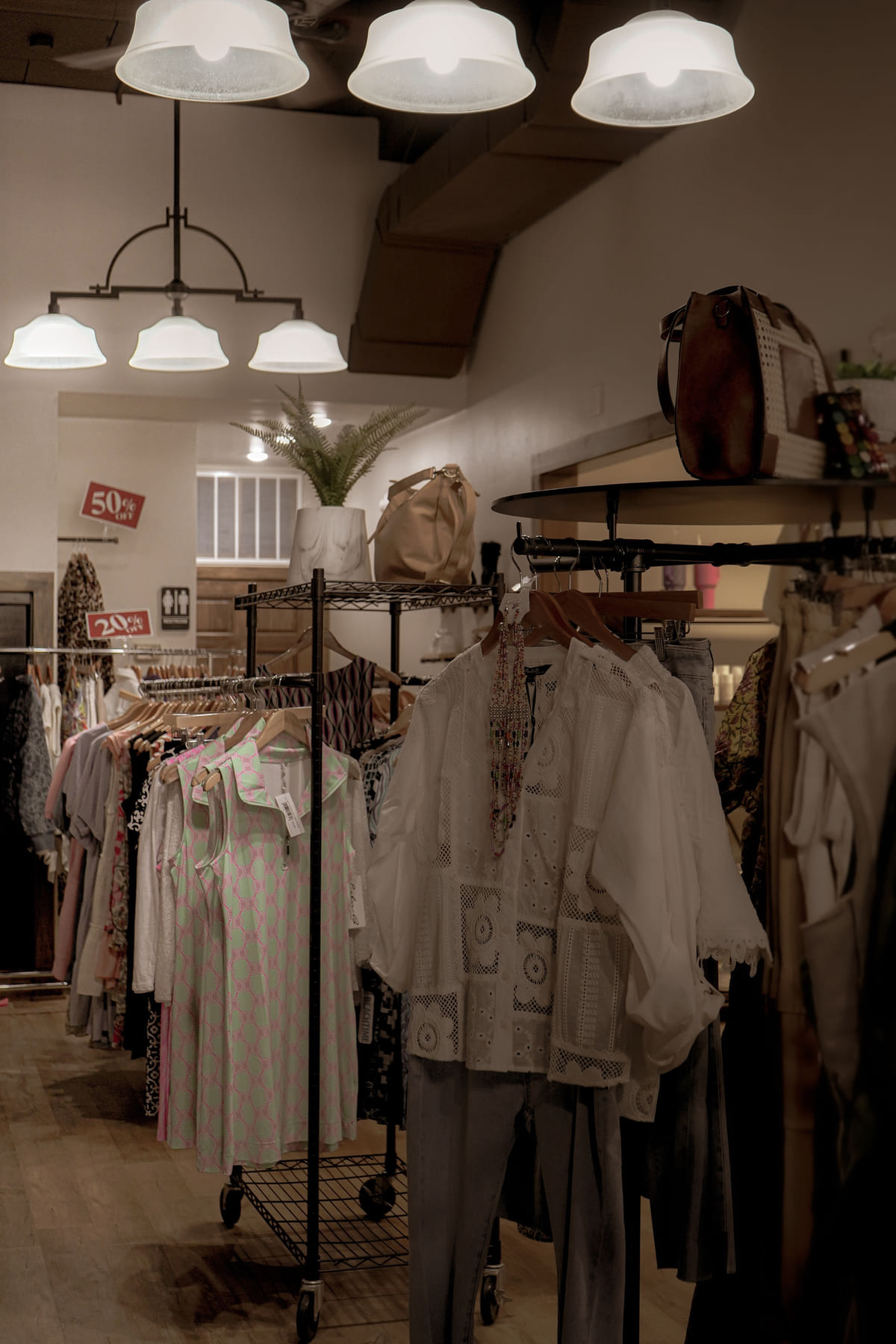
Think of your profile gallery as a series of displays, not a pile of snapshots. A good set covers:
- The window itself, with this season's key looks
- Styled outfits, on mannequins or a model, so people see complete looks rather than hangers
- The floor, showing layout, lighting and how easy it is to browse
- Close-ups, where fabric, texture, stitching and details show
- New arrivals, a rack or table that says "fresh stock here"
- Your staff, looking friendly and approachable
- The storefront, so they recognize you from the street
Shoot during the day, tidy the racks first, and avoid heavy filters that misrepresent colors. Aim for a dozen or more on your Google Business Profile, and add new ones whenever stock changes.
Write the tags shoppers actually read
People rarely search "clothing store." They search for what they need: a category, a size range or a brand. If those words are on your profile, you can match those searches. If they're not, you're invisible to them.
Name each of these that apply, one by one, in your description and product fields:
- Women's everyday and casual wear
- Menswear, including suits and business casual
- Kids' clothing
- Activewear
- Evening, prom and special-occasion outfits
- Bridal or bridesmaid styles
- Sustainable, vintage or secondhand clothing
- The specific brands you carry
Sizes are a search, too
If you've ever heard a customer say "nobody near me carries my size," you know how much extended sizing matters. People in plus, petite and tall sizes frequently look for shops by size first, since so many stores skip them. If you stock extended sizes, put it in the first lines of your description, not buried at the end. "Sizes XS to 3X, with petite and tall options" can win you some of your most loyal customers.
On Google, choose the most specific category that fits, such as "Women's clothing store," "Boutique" or "Children's clothing store," and add others where they apply.
Rotate the window every season
A front window that never changes looks closed. The same goes for a profile. Build the updates into your buying calendar:
- Spring and summer arrivals: new photos, a short post about the drop, any events
- Back to school: kids' and teen styles front and center
- Fall and holidays: gift ideas, party wear, extended holiday hours
- Clearance season: a post about the sale, and updated hours if they change
Each refresh gives returning shoppers a reason to come back and shows search engines the profile is active. Seasonal shoppers are worth the effort: a customer who finds you in spring and loves the experience is likely to check back each time the collection turns over, often with a friend.
The fitting-room conversation: reviews
Clothing shoppers read reviews for different things than most. They want to know if sizing runs true, if the quality matches the price and if staff help without hovering. A review that touches on any of those is worth more than a plain "Great store!"
The best time to ask is at the register, right after someone finds something they love.
Printing the link or a QR code on receipts and bags makes it easy. Reply to every review, thank people by name, and answer complaints calmly. Future shoppers read those replies closely. These review habits and this guide to negative reviews help.
The details that get them out the door
Style gets a shopper interested. Practical details get them in the car. Every profile should carry:
- Your store name, written identically on every platform
- The full address, plus parking tips if parking is tricky
- A phone number that taps to call
- Hours for every day, including evenings and weekends
- Your style focus, sizes and brands
- A dozen or more current photos
Start with Google, then add your shop to Listings Junkie and work through our list of directories worth claiming. A slightly different store name on one site or an old phone number on another weakens the picture search engines have of you. This guide on matching your details shows how to clean that up.
Questions shop owners ask
Should I list prices on my profile?
A price range helps shoppers decide whether you fit their budget before they drive over. You don't need individual prices; a simple range or "moderately priced" setting is enough on most platforms.
I sell online too. Does that change anything?
Link your online store from every profile, and mention whether shoppers can order online and pick up in the shop. Some people want to check that an item is in stock before they make the trip.
How often should I post?
Every couple of weeks is plenty for most boutiques, plus a post whenever a new collection lands or an event is coming up. A photo of a fresh outfit and two lines of text are all it takes.
Do events help?
Trunk shows, styling nights and sidewalk sales give you something new to post and a reason for past customers to come back. Add them to your Google profile as event posts.
Your first week
Reshoot the gallery.
A dozen photos covering window, outfits, floor, details, staff and storefront.
Rewrite the description.
Lead with your style, sizes and best-known brands.
Fix the category.
The most specific option on Google and every directory.
Put the review link on receipts.
Then ask at checkout every day.
Build your profiles.
Start with Listings Junkie and keep details identical everywhere.
Put next season's refresh on the calendar.
The day new stock arrives, the photos change too.
For the longer-term strategy, read local SEO for small businesses. Keep the online window as fresh as the real one, and the right shoppers will find their way in.
List your business for free
Create a verified listing on Listings Junkie and give the customers in your area one more place to find your business name, address, phone and website.