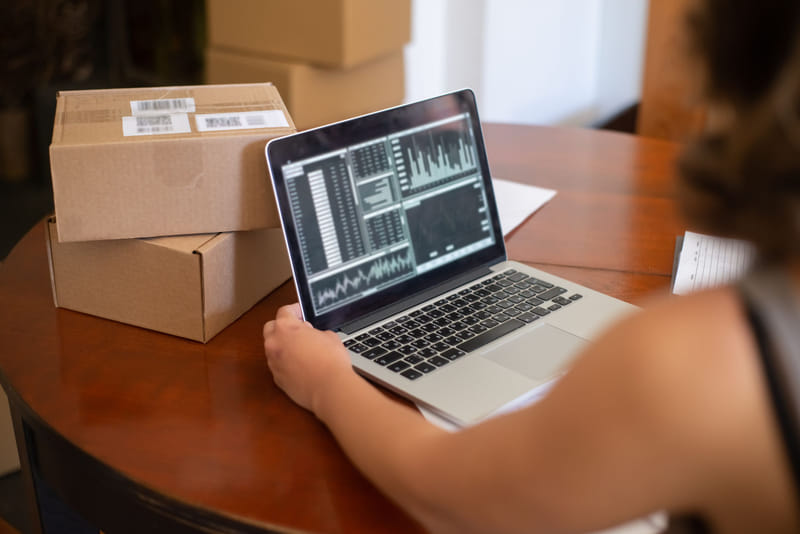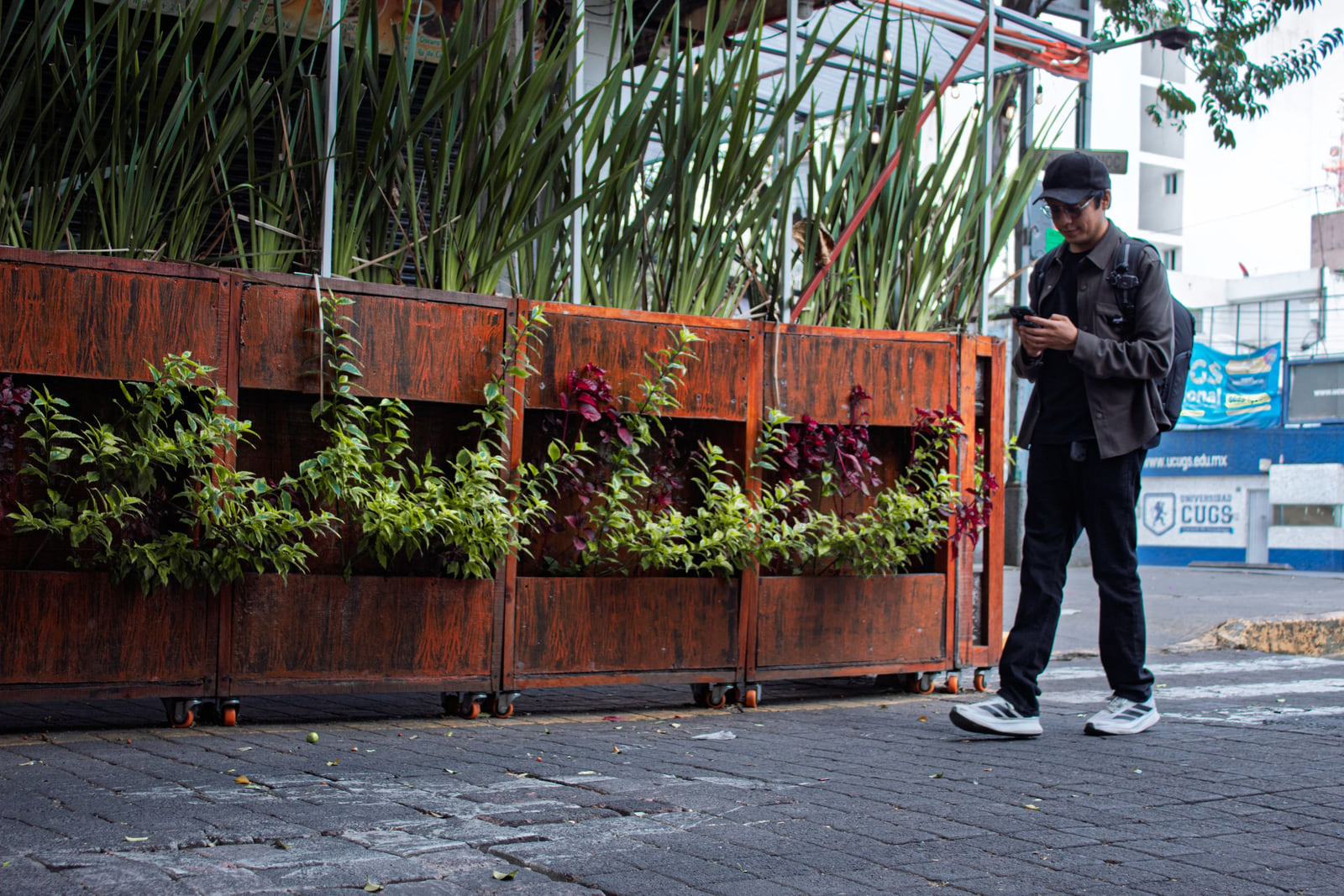
The trip to a store now starts with a phone check. Even shoppers who already know what they want look you up first, and they're quietly answering four questions before they grab the car keys:
Do they have it?
Are they open right now?
Can I get there and park easily?
Is it any good?
If your profile answers all four quickly, the shopper comes in. If any one is unclear, they often go somewhere that made it easy, and you never know you lost them. Here's how to answer each question on your profiles.
Question one: "Do they have it?"
This is the biggest one, and it's where most store profiles are weakest. A vague description like "great selection at great prices" tells a shopper nothing. A specific one tells them to come in.
Name what you carry. List your main product categories and the brands people ask for by name. A hardware store might say "Paint, plumbing and electrical supplies, garden tools and grills, plus key cutting and propane refills." A gift shop might name the local artisans it stocks.
Answer "where can I buy" searches. Shoppers often search the product, not the store type: "where to buy a cast iron skillet," "fishing licenses near me," "party supplies." Naming products in your description and services fields lets you match those searches.
Make stock easy to check. Mention whether customers can call to confirm something is in stock, reserve it or order online for in-store pickup, if you offer that. Some shoppers won't make the trip without knowing.
Question two: "Are they open right now?"
"Open now" is one of the first things a map shows. Wrong hours lose sales and can earn angry reviews.
- Set exact hours for every day of the week
- Add special hours for holidays, inventory days and events, well ahead of time
- Note extended holiday-season hours as soon as you set them
- Update every profile on the same day, not just Google
If a shopper searches "open now" at 7 p.m. on a Saturday and you close at 8, accurate hours just brought you a customer.
Question three: "Can I get there easily?"
Small frustrations decide a lot of trips. Answer them before they come up:
- Parking: a lot, street parking or a garage nearby
- Where exactly: the cross street, the shopping center name, or "next to the post office"
- Accessibility: step-free entry, wide aisles
- Transit: a nearby bus stop or train station, if relevant
Put the important ones in your description and turn on any matching attributes the platform offers. Make sure the map pin sits on your actual door, not the middle of a big parking lot.
Question four: "Is it any good?"
Once the practical questions are answered, shoppers want to know if the trip will be worth it. Photos and reviews answer this.
Photos that make the trip feel worth it:
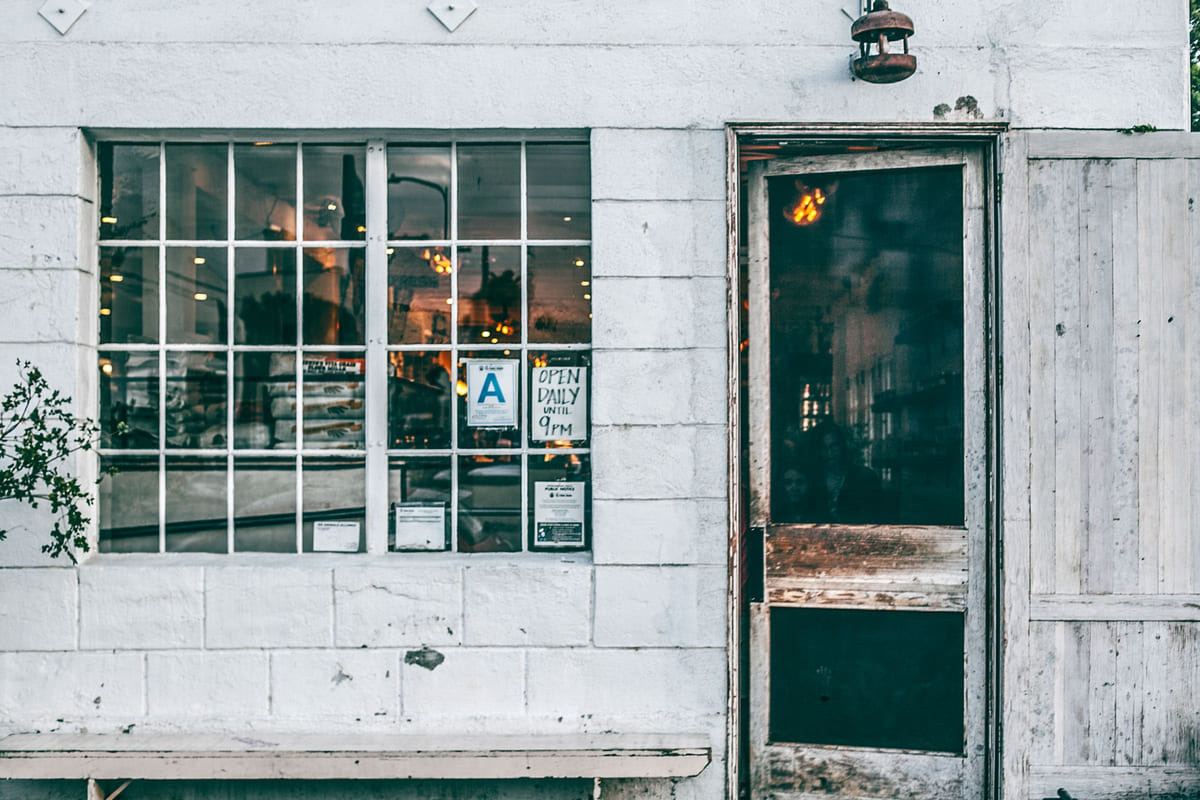
- The storefront, so they recognize it
- The window display and a few eye-catching shelves
- Best-selling products, clearly shown
- The inside, showing the layout and how easy it is to browse
- Staff helping customers
- Seasonal displays and new arrivals
Add new photos when stock changes or a display goes up.
Reviews that answer the question for you. Ask happy customers at the register, and print a review link or QR code on receipts.
Reply to every review. A friendly response to a complaint about an out-of-stock item ("we've reordered it, and we're happy to hold one for you") shows future shoppers how you treat people. These review habits and this guide to negative reviews help.
Give them a reason to come this week
Posts on your Google profile are a simple way to turn "someday" into "today": a new shipment, an in-store event, a seasonal display, a local artist's day. Keep them short, with a real photo. They also keep your profile looking active.
Get the basics identical everywhere
All four answers need to be the same wherever a shopper looks. Start with Google, choosing the most specific category for your store type. Then add your store to Listings Junkie and the platforms in our list of directories worth claiming. Keep your store name, address and phone identical; this guide on matching details explains why. Our section-by-section walkthrough of the Google profile covers the rest.
- Store name, address and phone identical everywhere
- Specific product categories and brands
- Exact hours, including holidays
- Parking and directions notes
- At least eight current photos
- A review link on every receipt
This week
Rewrite your description
so it answers "do they have it?" in the first two sentences.
Fix your hours
on every profile, including upcoming holidays.
Add parking and directions notes.
Shoot eight photos.
Storefront, displays, best sellers, inside.
Put the review link on receipts.
Post one reason to visit this week.
Stores that answer all four questions clearly tend to see more shoppers come in already knowing what they want. Our guide to ranking in "near me" searches, local SEO for small businesses and this piece on growth from listings cover the longer game.
List your business for free
Create a verified listing on Listings Junkie and give the customers in your area one more place to find your business name, address, phone and website.