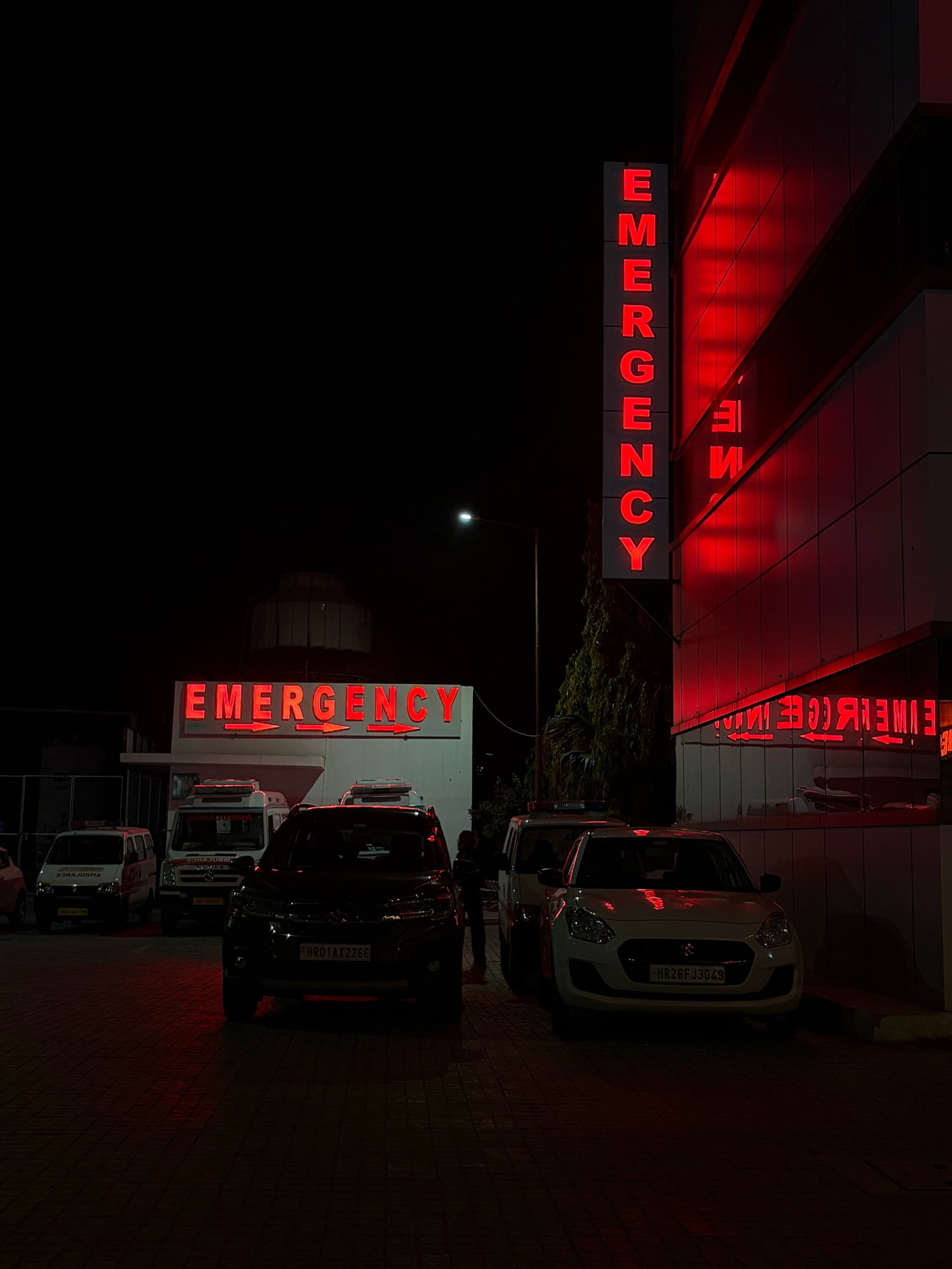
Hospitals get searched on two very different clocks.
The first runs in seconds. A parent with a feverish toddler at 2 a.m., a driver who just witnessed a crash, someone with chest pain who doesn't want to wait for an ambulance. They search "emergency room near me," and whatever the map shows them is where they go.
The second runs in weeks. A patient facing knee replacement, an expecting couple choosing where to deliver, a family new to town picking a health system. They compare departments, accreditations, insurance and reviews, and they take their time.
A hospital's online listings have to serve both clocks at once. For the first, accuracy is a safety matter. For the second, detail and trust decide the choice.
The emergency clock: accuracy is the whole job
Someone in a crisis will not double-check. If the phone number on a directory is out of date, the address points to an administrative building, or the hours suggest the ER is closed, they may go somewhere farther away or lose precious minutes. Treat emergency information like a patient safety item, because it is one.
What must be right on every platform
- The emergency department's address and pin, placed on the actual ER entrance, not the main lobby or a parking garage
- "Open 24 hours" for the ER, set explicitly in the hours field
- The right phone number, with the main line and any separate ER line clearly labeled
- Entrance and parking notes, such as "Emergency entrance on Oak Street; free parking in Lot C"
- A photo of the emergency entrance so people recognize it as they pull in
Who owns it
In a large organization, listings often belong to everyone and therefore no one. Name one person or team as the owner of the hospital's online profiles, with authority to correct them. Put a quarterly audit on their calendar: search the hospital and each major department on Google, Apple Maps, Bing and the main directories, and fix anything that has drifted. When a phone line or entrance changes, updating the listings should be part of the change, not an afterthought.
The planned-care clock: detail and trust win
Name every department
People researching planned care rarely search "hospital." They search the service: "maternity hospital near me," "cardiology," "joint replacement surgeon," "pediatric ER," "cancer center." A listing that names each department can match each of those searches. A generic one matches almost none.
List departments and service lines individually, in your description and in any services field:
- Emergency medicine and trauma
- Labor and delivery, maternity and neonatal care
- Heart and vascular care
- Cancer treatment
- Orthopedics and joint replacement
- Neurology and stroke care
- Pediatrics
- Imaging, lab and diagnostic services
- Rehabilitation and physical therapy
Google's guidelines allow some hospital departments with their own public entrance, hours or phone number to have separate profiles. Where that applies, a separate profile for a busy department can help patients find exactly the right door. Check the current rules before creating one, so you don't end up with duplicates.
Show your credentials
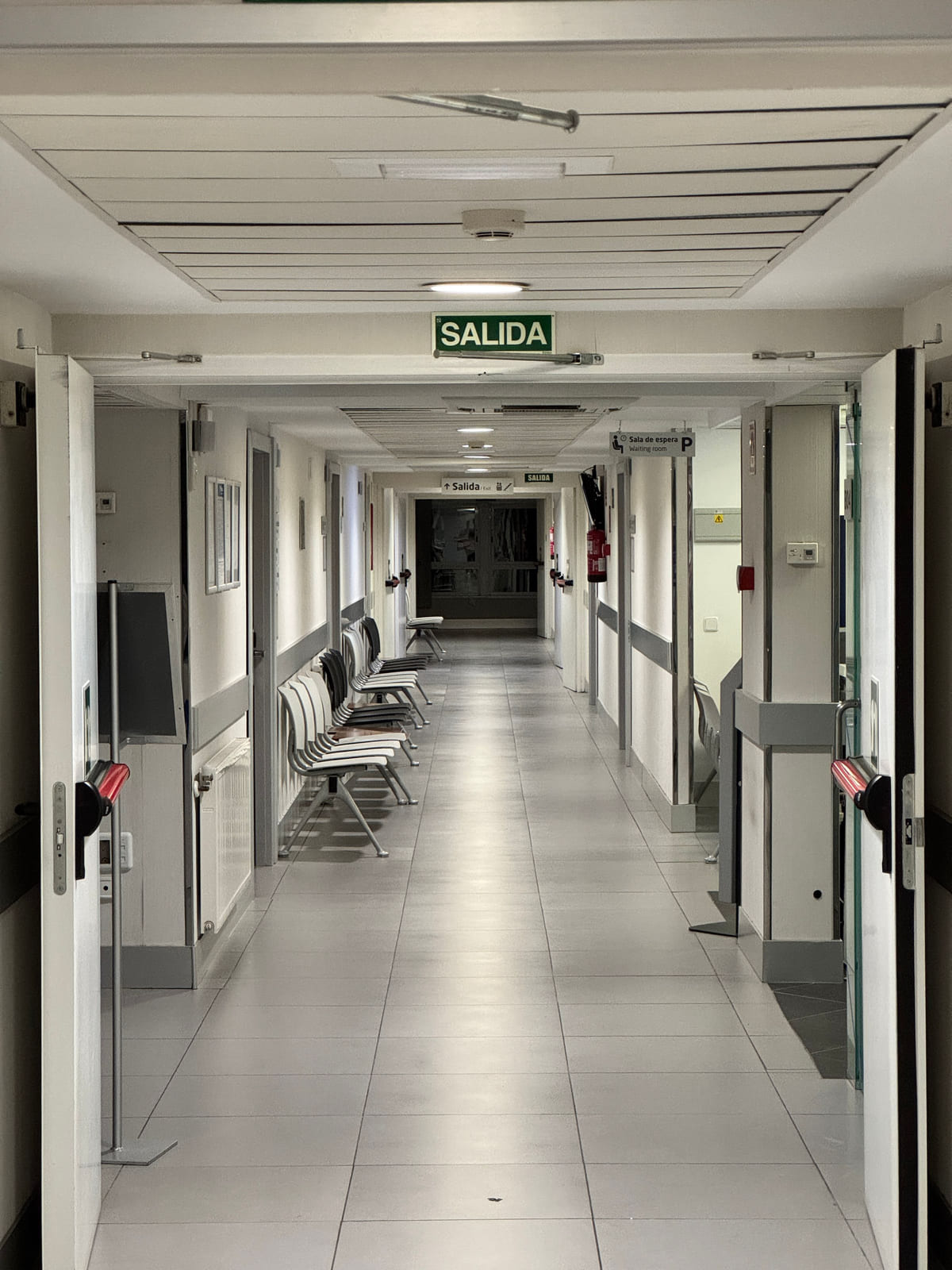
Planned-care patients look for evidence of quality. Mention recognized accreditations, specialty certifications and designations your hospital holds, stated accurately and without exaggeration. List the major insurance networks you accept, or link to a page that does. Add photos of key departments, patient rooms and public spaces so families can picture the experience.
Reviews from patients and families
For planned care, reviews about compassionate nurses, clear explanations and smooth discharges reassure the next patient more than any brochure. Make it easy for patients to share their experience after discharge with a short, respectful message and a direct link.
When replying, privacy rules apply in full. Never confirm that the reviewer was a patient, and never mention a diagnosis, treatment or visit detail in public. Keep replies general and kind, and offer a patient relations phone number for anyone with a concern. These review habits and this guide to negative reviews cover the basics; your compliance team should approve your reply templates.
The foundation both clocks rely on
Every listing, wherever it lives, should carry the same core details:
- The hospital's official name, identical on every platform
- The full address, with entrance and parking notes
- Main and emergency phone numbers, clearly labeled
- Emergency hours stated as 24 hours, if that's the case
- Every department, named individually
- Accreditations, stated accurately
- Insurance networks accepted
- Photos of the facility, emergency entrance and key departments
On Google, choose "Hospital" as the main category and keep every field complete. Then add the hospital to Listings Junkie and the directories in our list of those worth claiming, plus health-specific directories where patients search. Consistency matters more here than almost anywhere else; this guide on matching your details explains why.
Questions hospital teams ask
We have urgent care clinics too. Should they share the hospital's listing?
No. Each urgent care location with its own address, hours and phone should have its own profile, with a category like "Urgent care center." Mixing them with the hospital listing confuses people deciding between the ER and urgent care.
Who should be allowed to edit our listings?
Keep access small: the profile owner, a backup and the marketing or communications lead. Remove access promptly when people change roles. Too many editors is how wrong phone numbers sneak in.
What about doctors' individual profiles?
Many physicians have their own listings on Google and health directories. Coordinate with them so their practice address and phone match the hospital's records, and so patients aren't sent to an old office.
How do we handle construction or entrance changes?
Update every listing before the change takes effect, add a short post explaining the new entrance, and replace the entrance photo.
A plan for the next quarter
Fix the emergency details first.
Pin, hours, phone and entrance notes on Google and every major directory.
Assign an owner.
One person or team, with a quarterly audit on the calendar.
Build out department detail.
Name every service line and decide whether any department needs its own profile.
Add credentials and insurance.
Accurate and easy to find.
Start a review routine.
A respectful post-discharge message, with approved reply templates.
Audit everywhere.
Search the hospital name and phone numbers, and correct every mismatch.
Hospitals that keep their listings accurate find that both clocks work in their favor: emergencies reach the right door, and planned-care patients find enough detail to choose them. Our guide to ranking in "near me" searches and local SEO for small businesses cover the wider strategy.
List your business for free
Create a verified listing on Listings Junkie and give the customers in your area one more place to find your business name, address, phone and website.