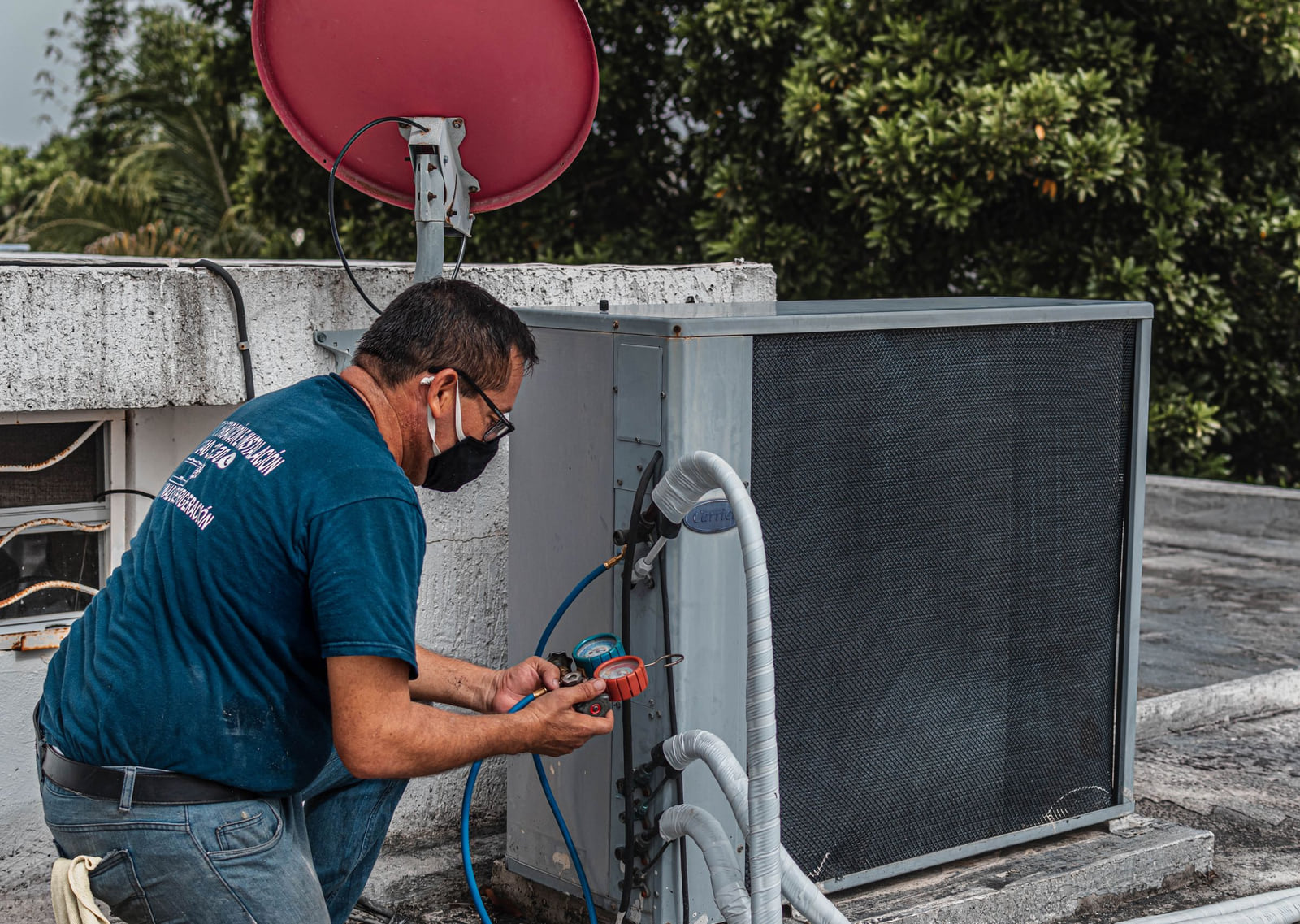
It's 96 degrees, the house is getting stuffy and the vents are blowing warm air. Nobody in that situation spends an hour comparing companies. They grab a phone, search for help, glance at the first few results and call one that looks trustworthy and available. Cooling repair is about as urgent as home services get.
That means the call is usually decided long before the customer picks up the phone. It's decided by what your profiles looked like when the heat wave hit. So this plan is built around the calendar.
Spring: build it before you need it
Searches for air conditioning repair climb as the weather warms up. If you start building your online presence once the phones should already be ringing, you're late. Use the slower spring weeks to set up everything below.
Claim and fill out your profiles
Start with your Google Business Profile. Choose "Air conditioning repair service" or the closest match as your main category, and add secondary categories like "HVAC contractor" or "Heating contractor" where they apply. Then add your company to Listings Junkie and work through our list of directories worth claiming, especially home-services platforms.
Each profile should carry:
- Your business name, written the same way everywhere
- Your service area, by city and ZIP code
- A phone number that taps to call
- Real hours, plus after-hours or emergency availability if you truly offer it
- Every service you provide (see the list below)
- How quickly you can usually get out, if you can state it honestly
- The equipment brands you work on
- Photos of your techs, trucks and real jobs
Keep your name, phone and service area identical on every site. Small differences make search engines less sure about you. This guide on matching your details explains why.
Name every service
Homeowners don't only search "AC repair." They search for the specific thing they need. If it's not on your profile, you may not show up for it. Spell out all that apply:
- Air conditioner repair and replacement
- New system installation
- Seasonal tune-ups and maintenance plans
- Heat pump repair and service
- Ductwork repair, sealing or cleaning
- Thermostat and smart thermostat installation
- Commercial and rooftop units
- Indoor air quality products
Heat wave: be obvious and available
When temperatures spike, the homeowner is scanning for two things: can you come soon, and can they trust you.
A few more things that matter in peak season:
- Answer the phone, or call back fast. An unanswered call during a heat wave often goes straight to the next result.
- Keep hours current. If you add weekend hours for the summer, update every profile.
- Reply to messages quickly. Many people text or message several companies at once and book with whoever responds first.
Our guide to ranking in "near me" searches explains why the first few results get so much of the attention.
After every job: earn the review
A homeowner letting a technician into the house wants reassurance. Reviews are where they find it, and they also help your ranking. The best time to ask is right after the cool air starts flowing again.
Send it before you pull out of the driveway, and teach every tech to do the same. These habits for earning five-star reviews help make it automatic. When a frustrated customer leaves a rough one, often about waiting during a busy week, reply calmly, explain if it helps and offer to make it right. Here's how to respond to negative reviews.
Fall and winter: keep the profile warm
Cooling calls slow down, but your profile shouldn't go quiet.
- Switch the emphasis. Post about furnace tune-ups, heat pump service and thermostat upgrades.
- Promote maintenance plans. A spring tune-up booked in winter is a customer you won't have to win back in July.
- Add photos and reply to reviews every month so the profile stays current.
- Fix anything that drifted. Search your business name and phone number, and correct outdated listings before next summer.
The long game
Every accurate profile, every review and every new photo adds to the reasons search engines have to show you. The effect builds each season, which is why the companies on top of the map in July usually started work in March. Browse the home services listings on Listings Junkie for ideas, and use the listing checklist to keep everything complete. This look at how listings drive growth shows why steady beats frantic.
This week's to-do list
Finish your Google profile.
Main category, every service, real photos and accurate hours.
Add your directory profiles.
Start with Listings Junkie, using exactly the same details.
Rewrite the first line of your description.
Say what you fix, where, and how fast you can usually get there.
Ask your last five customers for reviews.
Text each one the link.
Check every profile for mismatches.
Name, phone and service area should be identical everywhere.
Questions HVAC owners ask
Should I list a home address if I run the business from my house?
No need. Set your Google profile up as a service-area business, hide the street address and list the cities or ZIP codes you cover. Do the same on directories that allow it. This guide on listing without a storefront explains the steps.
Is it worth listing heating services on a cooling-focused profile?
Yes, if you do the work. It keeps calls coming in the colder months, and customers who trust you with the furnace will usually call you for the air conditioner too.
How many photos do I need?
Start with ten or so: your trucks, your techs in uniform, clean installs and a few before-and-after shots of repairs. Add a couple of new ones each month.
What if a competitor's profile claims 24-hour service they don't really offer?
Focus on being accurate yourself. Customers remember the company that showed up when it said it would, and they say so in reviews.
For the full strategy, read local SEO for small businesses. Next July, when the air quits on someone in your service area, make sure yours is the number they call.
List your business for free
Create a verified listing on Listings Junkie and give the customers in your area one more place to find your business name, address, phone and website.